
教程开始
1、找到/wp-content/themes/ripro/footer.php目录,
在footer.php搜索
<code etap=\”tap-qq\”><a target=\”_blank\” title=\”QQ咨询\” href=\”http://wpa.qq.com/msgrd?v=3&uin=<?php%20echo%20_cao(\’site_kefu_qq\’);?>&site=qq&menu=yes\”><i class=\”fa fa-qq\”></i></a></div>
<?php endif; ?>
<div class=\”rollbar-item\” etap=\”to_full\” title=\”全屏页面\”><i class=\”fa fa-arrows-alt\”></i></div>
<?php if (_cao(\’is_ripro_dark_btn\’)) : ?>
<div class=\”rollbar-item tap-dark\” etap=\”tap-dark\” title=\”切换模式\”><i class=\”mdi mdi-brightness-4\”></i></div>
<?php endif; ?>
<div class=\”rollbar-item\” etap=\”to_top\” title=\”返回顶部\”><i class=\”fa fa-angle-up\”></i></div>
</div>
<style type=\”text/css\”>
.icon {
width: 1em; height: 1em;
vertical-align: -0.15em;
fill: currentColor;
overflow: hidden;
}
</style>
并修改附件里面的”80027422″为您的客服qq号(根据自己站点的内容修改文字及连接)
2、找到/wp-content/themes/ripro/assets/css/diy.css
并将附件内的div.css内容整体复制到最下面并保存
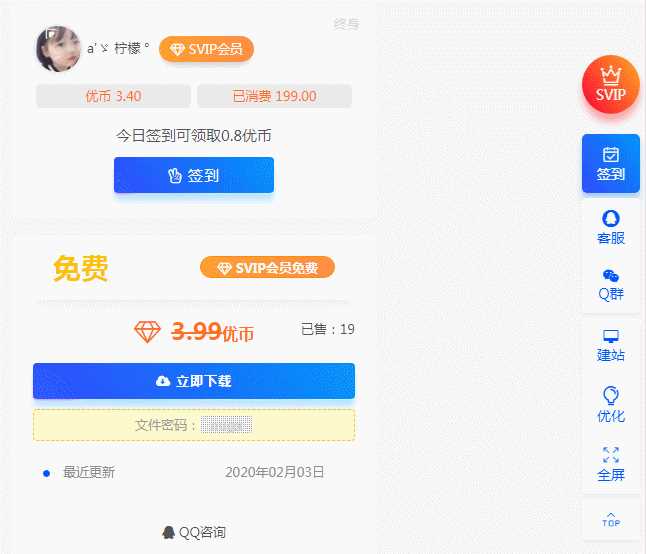
效果样式